Patients and study participants

Track your recovery for personal use or as part of a study

Use AfterSurg Recovery to view your own progress, whether recommended by a clinician or chosen yourself. If a study or clinical team has invited you to a trial or research project, use AfterSurg Outcomes with the access code they supplied.

Patient-facing

AfterSurg Recovery

Use this if you want to follow your own activity-based recovery, see recovery curves and understand general milestones over time.

  • Personal recovery dashboard
  • Recovery and beyond-baseline metrics
  • Use independently (#0000) or with a clinician code (# as provided)
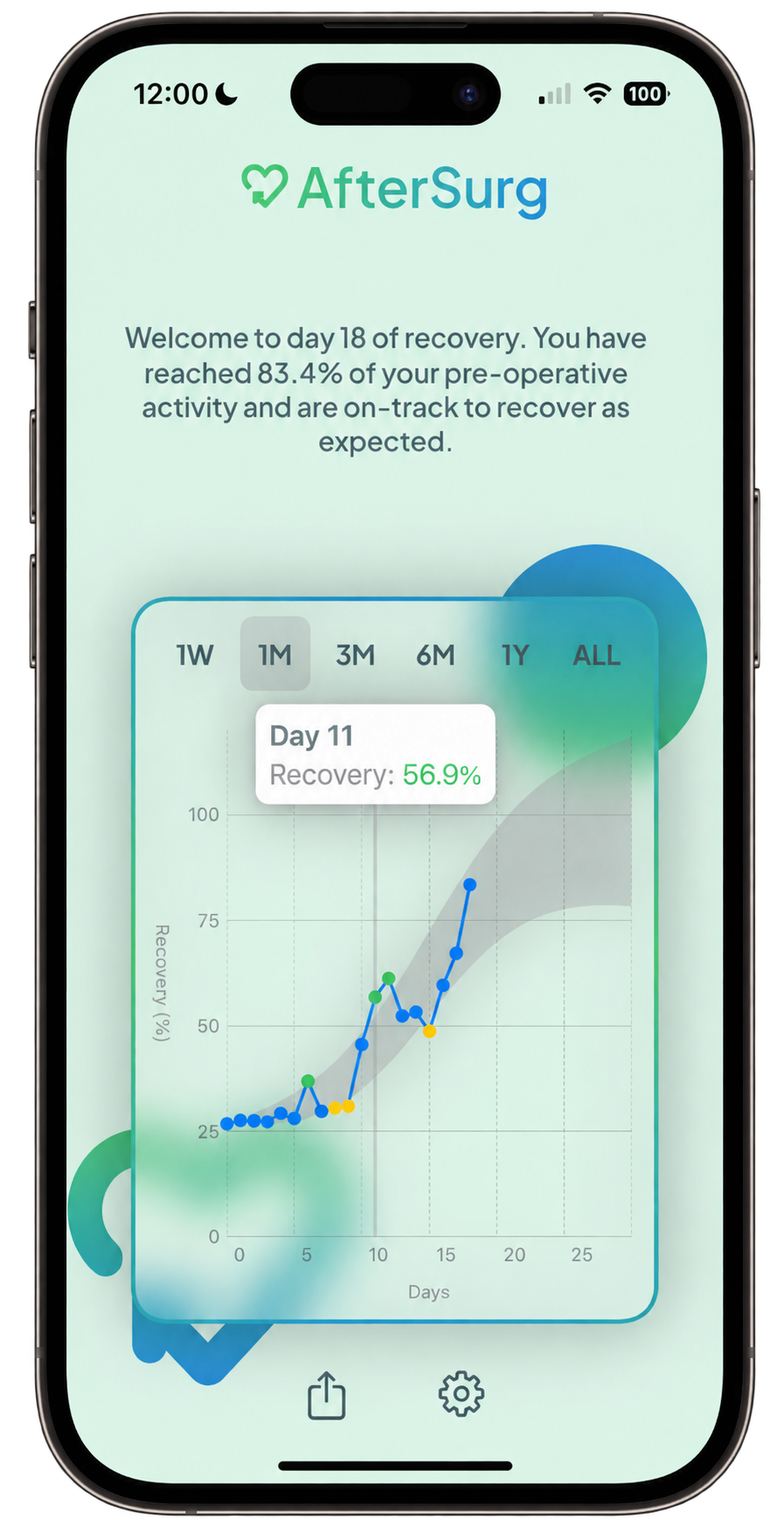
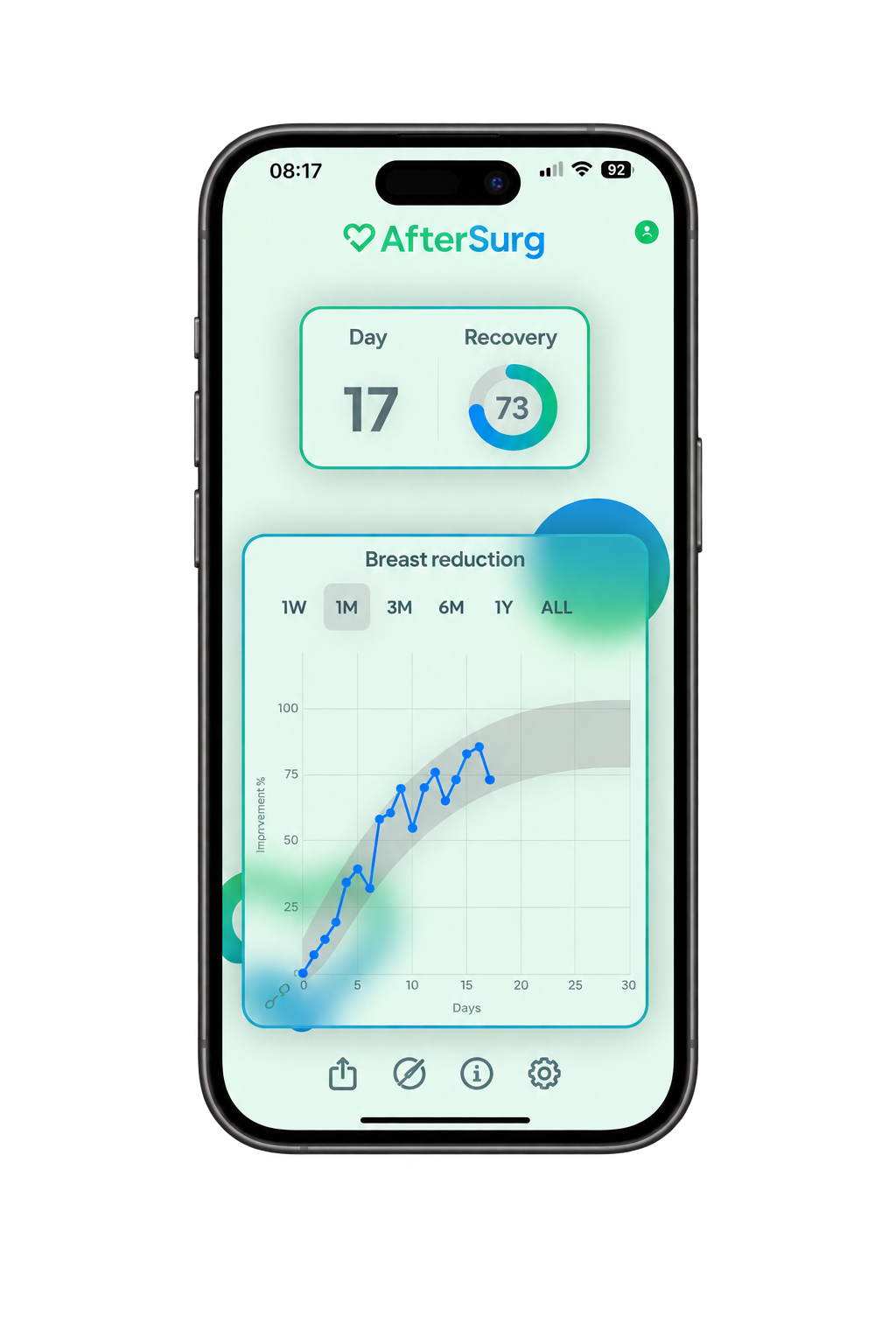
AfterSurg Recovery app showing personalised progress against the expected range
Research and projects

AfterSurg Outcomes

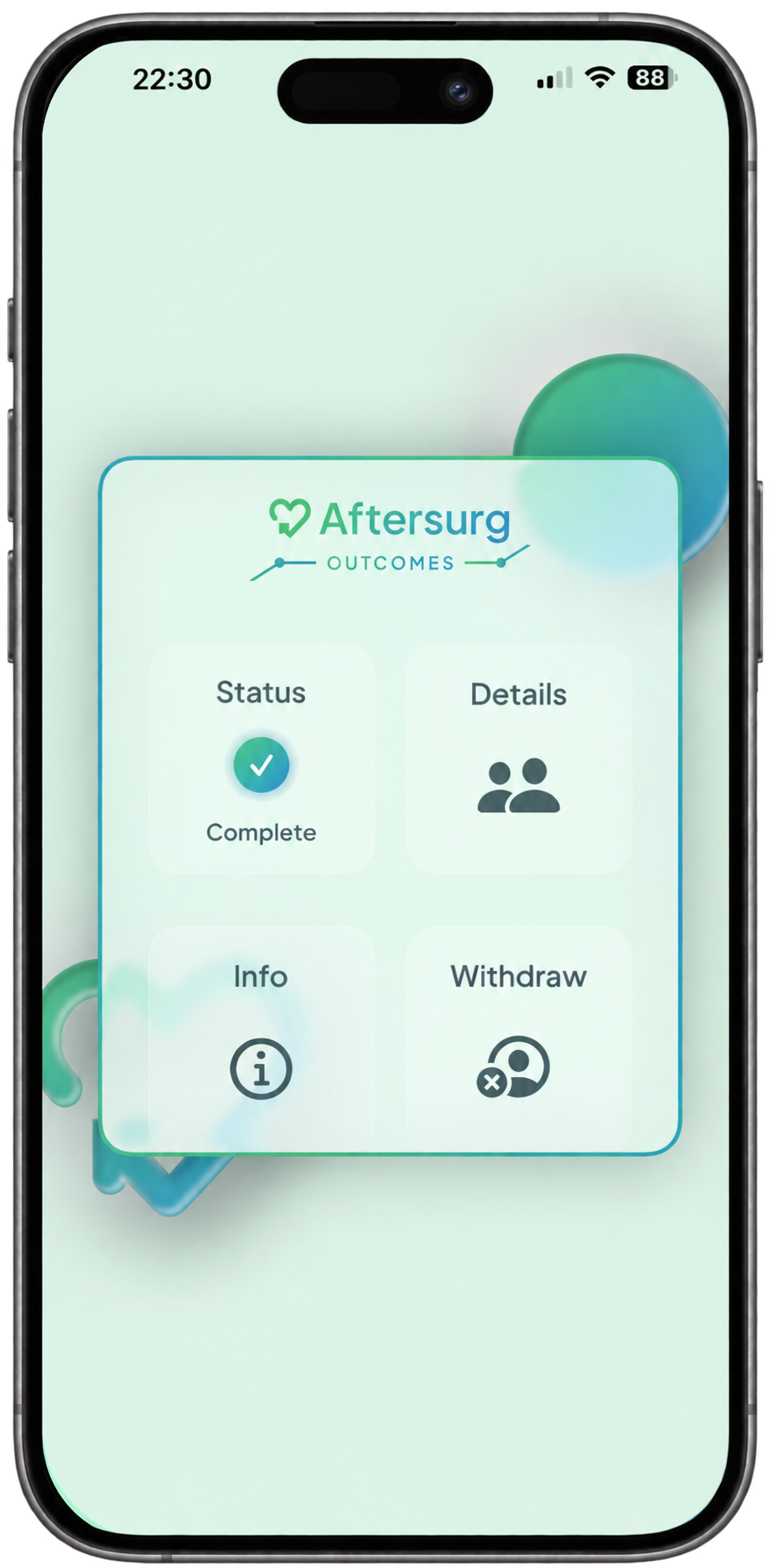
Use this only when a clinical or research team invites you. It collects activity for the approved project and intentionally does not show recovery graphs.

  • Four-digit study code
  • Low-burden, blinded collection
  • No surveys or lengthy forms required
AfterSurg Outcomes app project dashboard

Invited participants

Start with the information from your project team

Your invitation, QR code or direct link is the safest way to reach the correct project page. If that link is missing, search using the study or project name you were given. Project pages are not openly listed. Do not enter your name, date of birth or participant ID here.

1 · Find your project

Search using the study name

Use the information supplied by your project team.

2 · If the link is missing

Contact your project team first

Your study coordinator can resend the correct link or code. For app setup and common technical problems, use the help centre.

Open the help centre

Personal recovery

Follow change against your own baseline

AfterSurg Recovery uses activity already available on your phone to establish your usual pattern and describe how it changes after an operation or treatment. The dashboard can show broad recovery trends, key milestones and longer-term change.

Look at the pattern across several complete days rather than treating a single day as a clinical result. The app does not provide medical advice or replace your healthcare team.

Understanding the data

What activity data on your phone tells us about you and your recovery

Smartphones can provide a consistent view of day-to-day movement. Activity completed without the phone, including some swimming, cycling, gym work or wearable-only activity, may not appear unless a compatible wearable synchronises with Apple Health or Health Connect.

AfterSurg Recovery app showing a recovery score and recovery curve

Recovery milestones

The dip, return to light activity, return to full activity and return to exercise describe different stages of recovery.

Beyond baseline

Functional gain, good-day ratio, duration of benefit and extra active days describe longer-term change.

Open the metrics guide

Privacy and safety

Your information and your care

Read the privacy information in the app and any material supplied by your project team. It explains what is collected, who can access it and how it is used. Project data may be anonymised or pseudonymised according to the approved design.

AfterSurg is not continuously monitored and is not an emergency service. If you are worried about symptoms or recovery, contact your surgeon, GP, hospital team or the appropriate urgent-care service.